
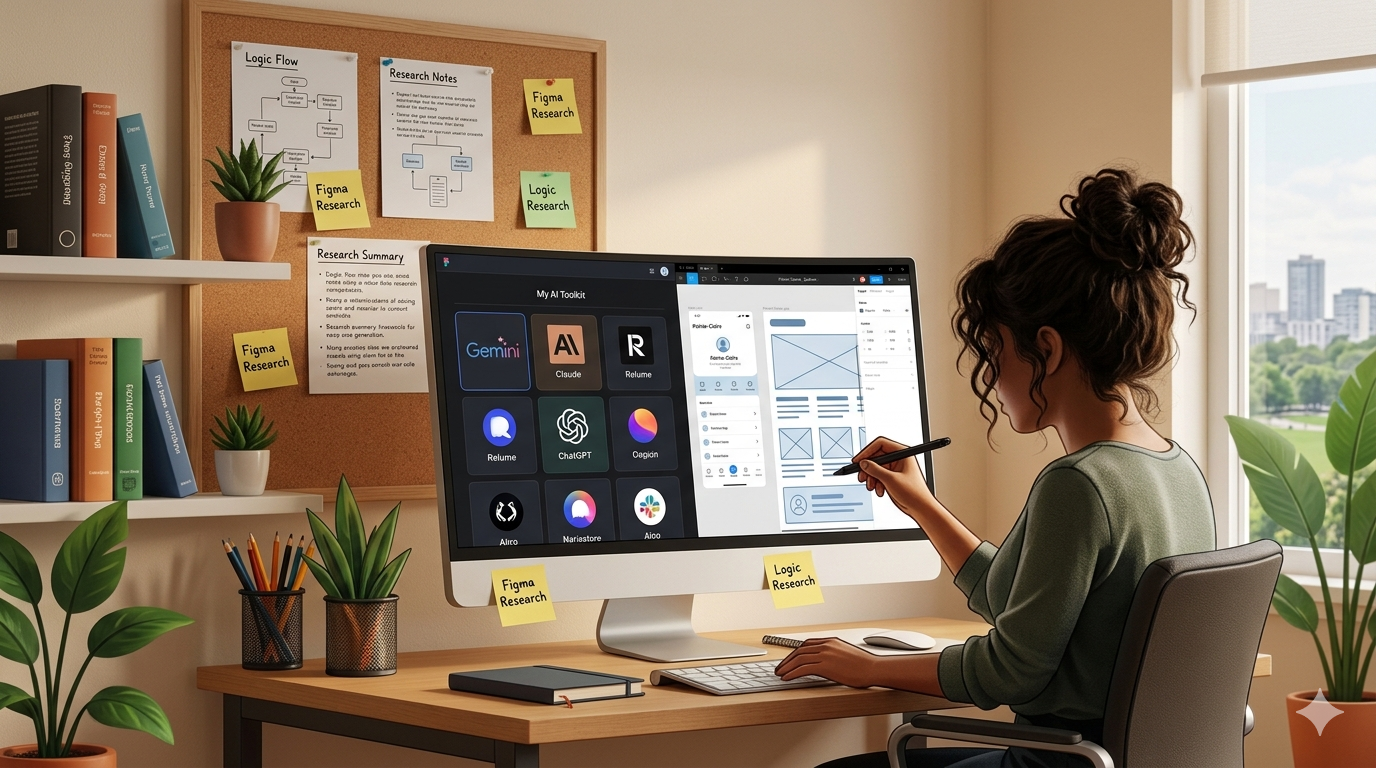
There's a lot of noise right now about AI and design. Some designers talk about it like it's going to replace the entire profession. Others refuse to use it at all, as if touching a generative tool is somehow cheating. I'm somewhere in the middle, and I think that's where most honest designers actually land when they stop performing for their audience.
I've been using AI tools in my workflow for a while now. Not for everything, and not blindly. Here's a breakdown of where I've found genuine value and where I've learned to keep my hands on the wheel.
The most useful thing AI has done for my process is compress the time between raw research data and usable insights. After conducting user interviews or a competitor analysis, I have pages of notes, quotes, and observations. AI helps me find patterns in that material faster, surfacing themes I might have missed or confirming ones I suspected.
The key word is "helps." I still read every interview. I still make the judgment call on which insights matter for this specific project. AI speeds up the synthesis, but the interpretation is mine.
UX writing is part of the job, and it's an area where AI genuinely saves me time. When I need button labels, error messages, or onboarding copy, I'll generate a range of options quickly, then evaluate each against the project's tone, the user's mental model, and what actually fits the interface.
This is a good example of AI as a collaborator rather than a replacement. It gives me 10 options in 30 seconds. I spend my time on the judgment layer: which one is clearest, which one fits the context, which one respects the user's intelligence.
For mood boarding and early visual direction, generative image tools help me get to a visual language faster. Instead of spending an hour collecting references, I can test a few directional prompts and have a clearer conversation with a client about aesthetic direction much earlier in the process.
This is the part that matters more, I think. Knowing where not to use a tool is as important as knowing how to use it.
The honest version: The designers who will stand out in the next few years aren't the ones who use AI the most — they're the ones who know when it helps and when it gets in the way. That judgment is still entirely human.
On the MPB Communications redesign, I used AI to help identify patterns across competitor sites faster than a manual audit would have allowed. That research directly informed the IA restructuring, but the decision to organize the navigation by product category rather than use case was mine, based on what I observed about how MPB's buyers actually search for solutions.
The AI got me to the research faster. The design decision came from understanding the user.
That's the balance I try to hold on every project. Tools that make the work faster are worth using. Tools that make the thinking shallower are worth resisting, regardless of how impressive the output looks.